🛡️ Initial Administrator Setup
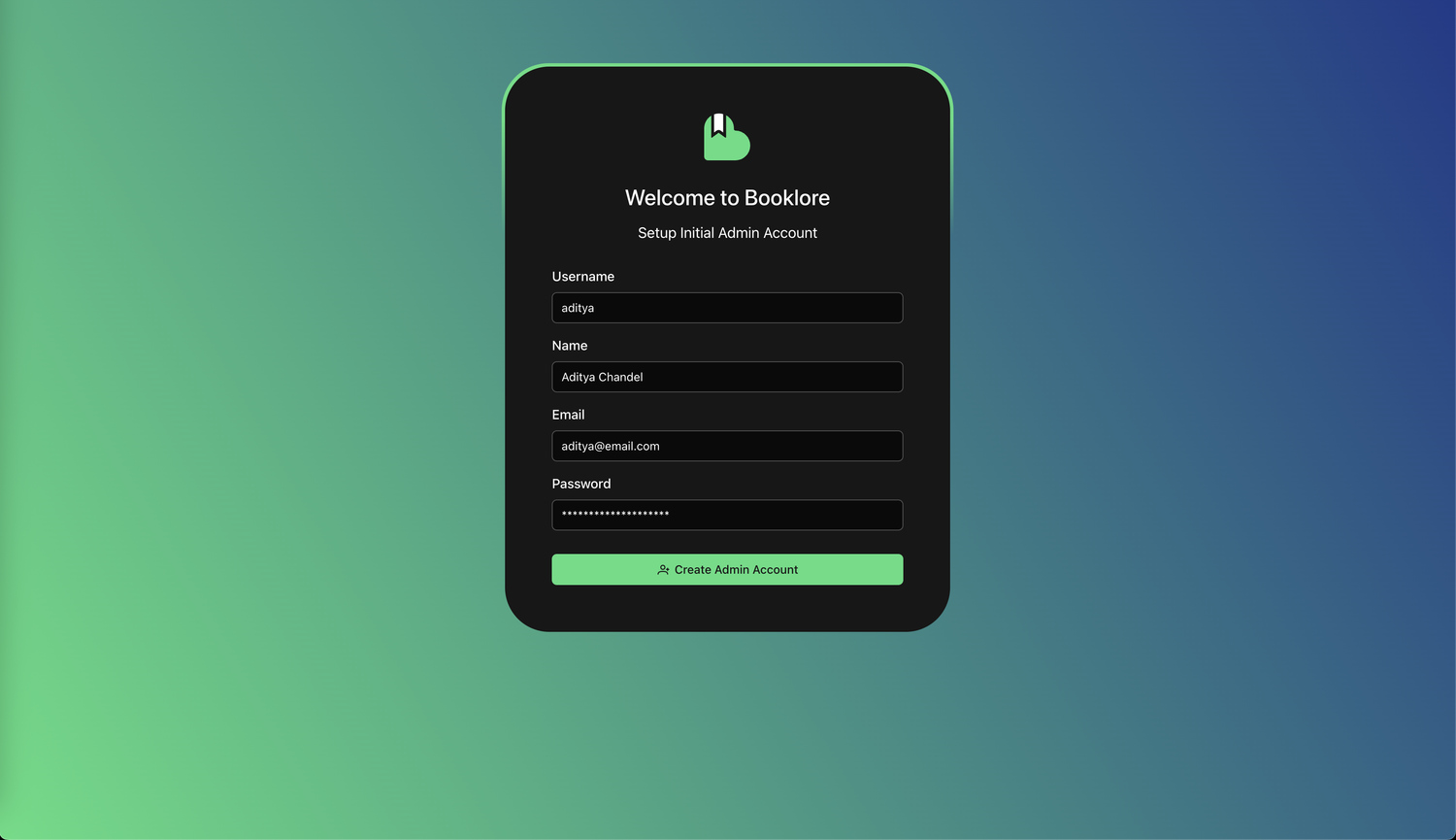
Create an administrator account to access and configure your Booklore instance. This one-time setup provides full system control for managing libraries and settings.
🛠️ Setup Steps
Step 1: Create Administrator Account
Complete the initial setup form:
- Username: System login identifier (cannot be changed later)
- Password: Secure password meeting minimum requirements
- Confirm Password: Re-enter to prevent typos
- Email (Optional): For future account recovery features
Important
Store credentials securely. Password recovery currently requires database access.
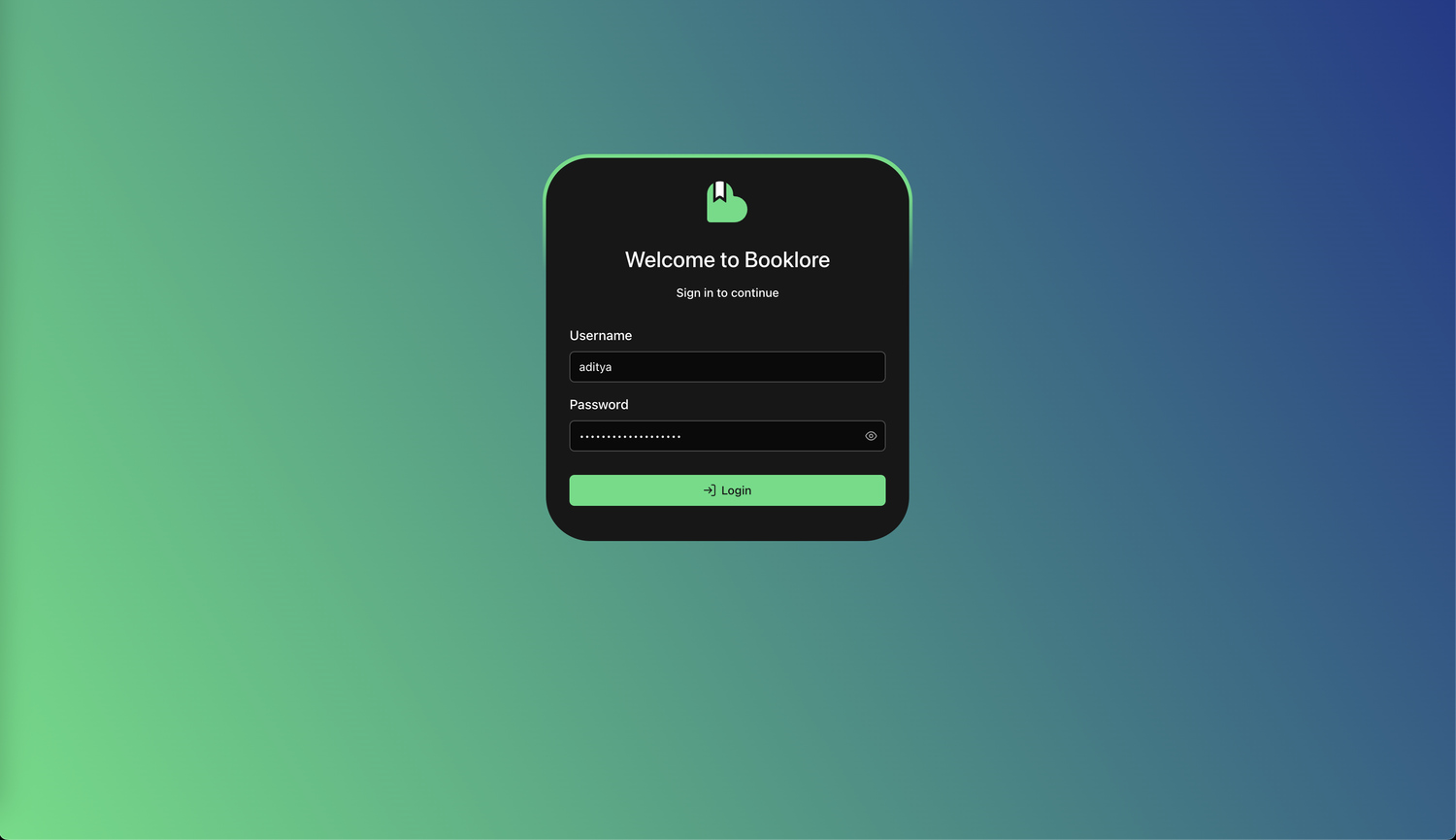
Step 2: Login
After account creation, you'll be redirected to the login page. Sign in with your new credentials.
Step 3: Dashboard
Your empty dashboard displays after successful login:
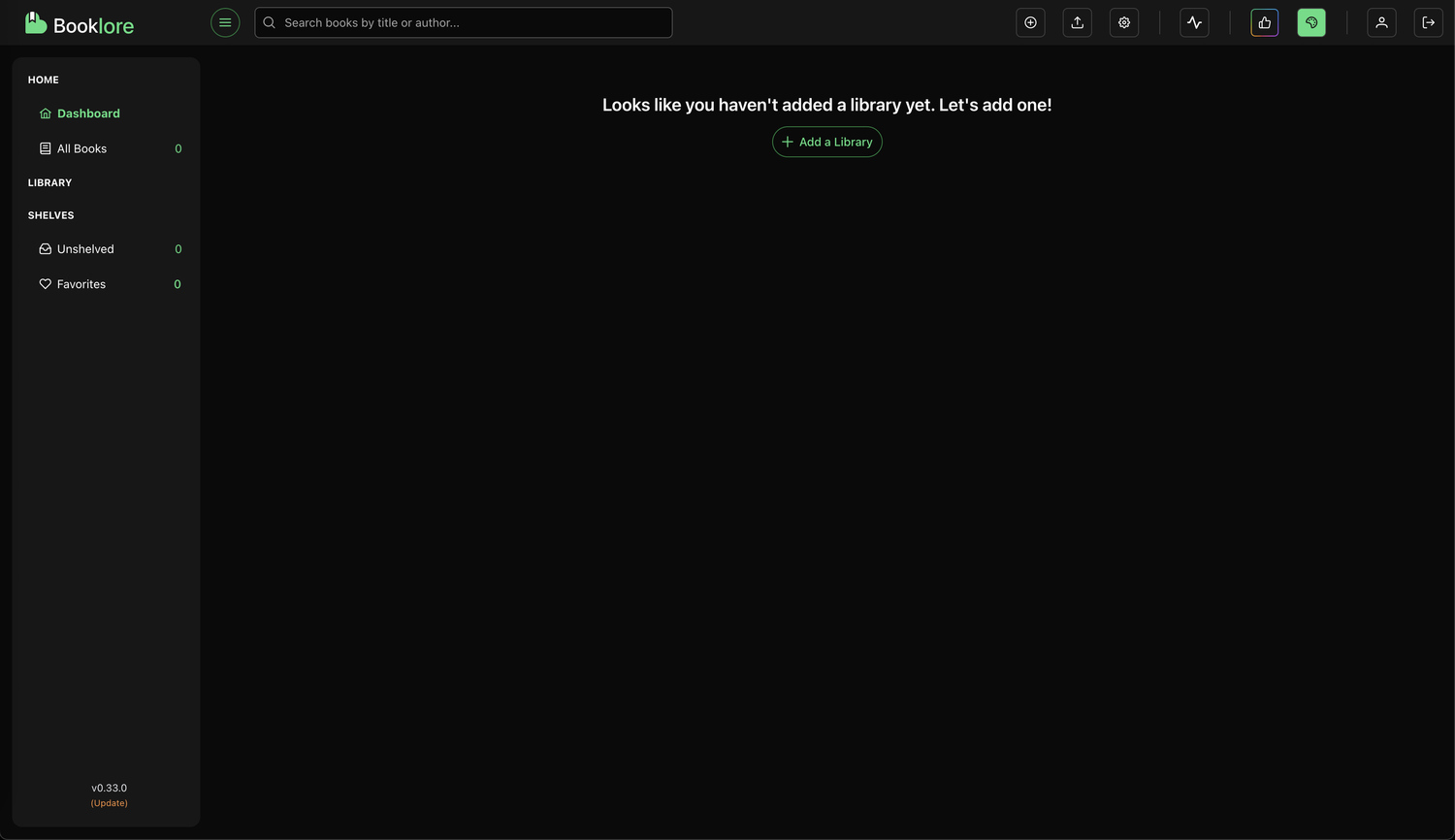
Next: Click "Add a Library" to begin building your collection. See Setting Up Your First Library.
🎯 Post-Setup Checklist
- Create your first library
- Configure metadata providers
- Customize system settings
- Add additional users (optional)
📋 Troubleshooting
Cannot Access Dashboard
Solutions:
- Clear browser cache and cookies
- Verify JavaScript is enabled
- Check Docker container status
Forgot Password
Solutions:
- Access Docker container database volume
- Manually reset password hash (advanced)
- Use password manager to prevent this
🔐 Security Best Practices
- Use strong passwords (8+ characters, mixed case, numbers, symbols)
- Never share administrator credentials
- Create separate accounts for multiple users
- Store passwords in a password manager